
A SMJY Tech Product
Frame both. Shoot once.
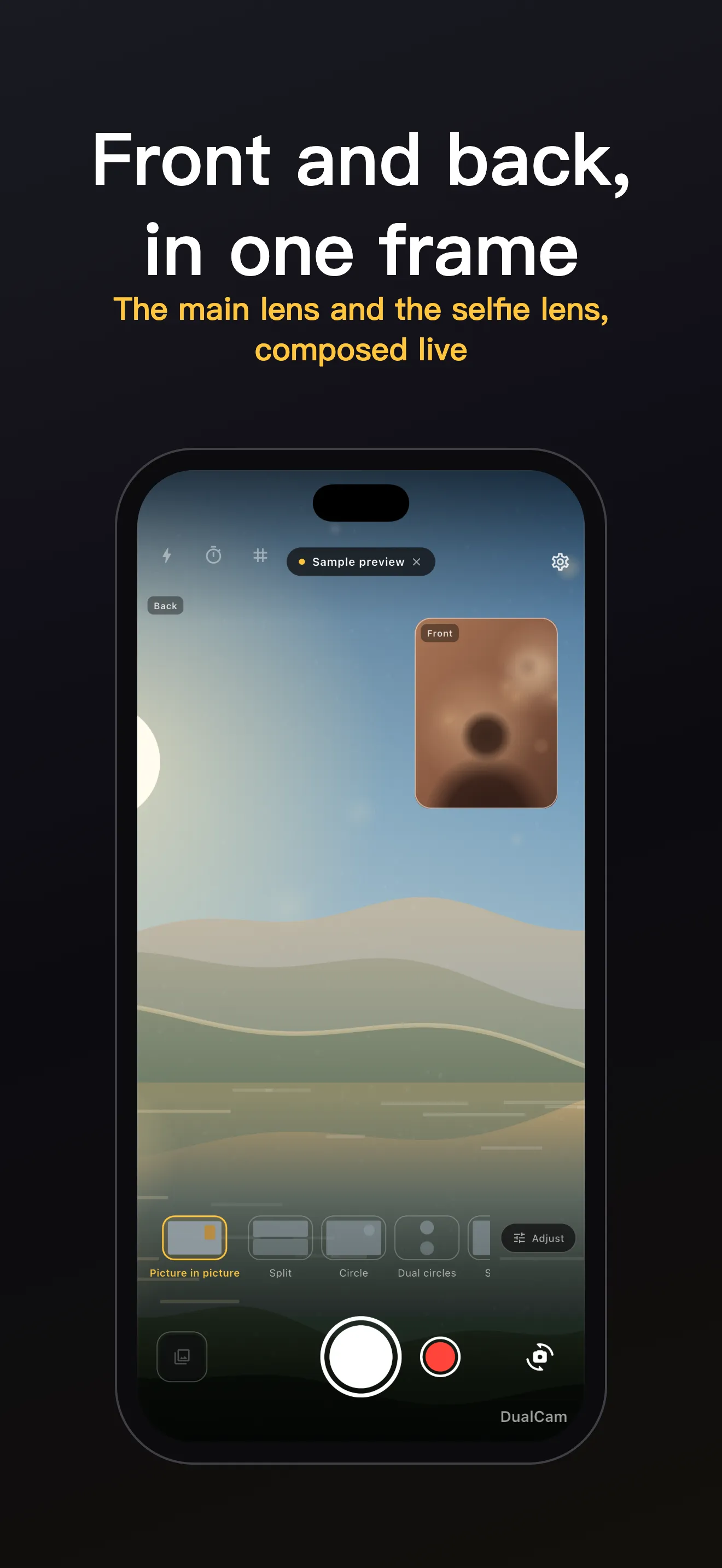
The front and rear cameras share one live viewfinder. One tap fuses both lenses into a single photo or video — five framings, and the saved file always matches what you saw.
Now in App Store review. The download link lands here the moment it ships.
Inside DualCam
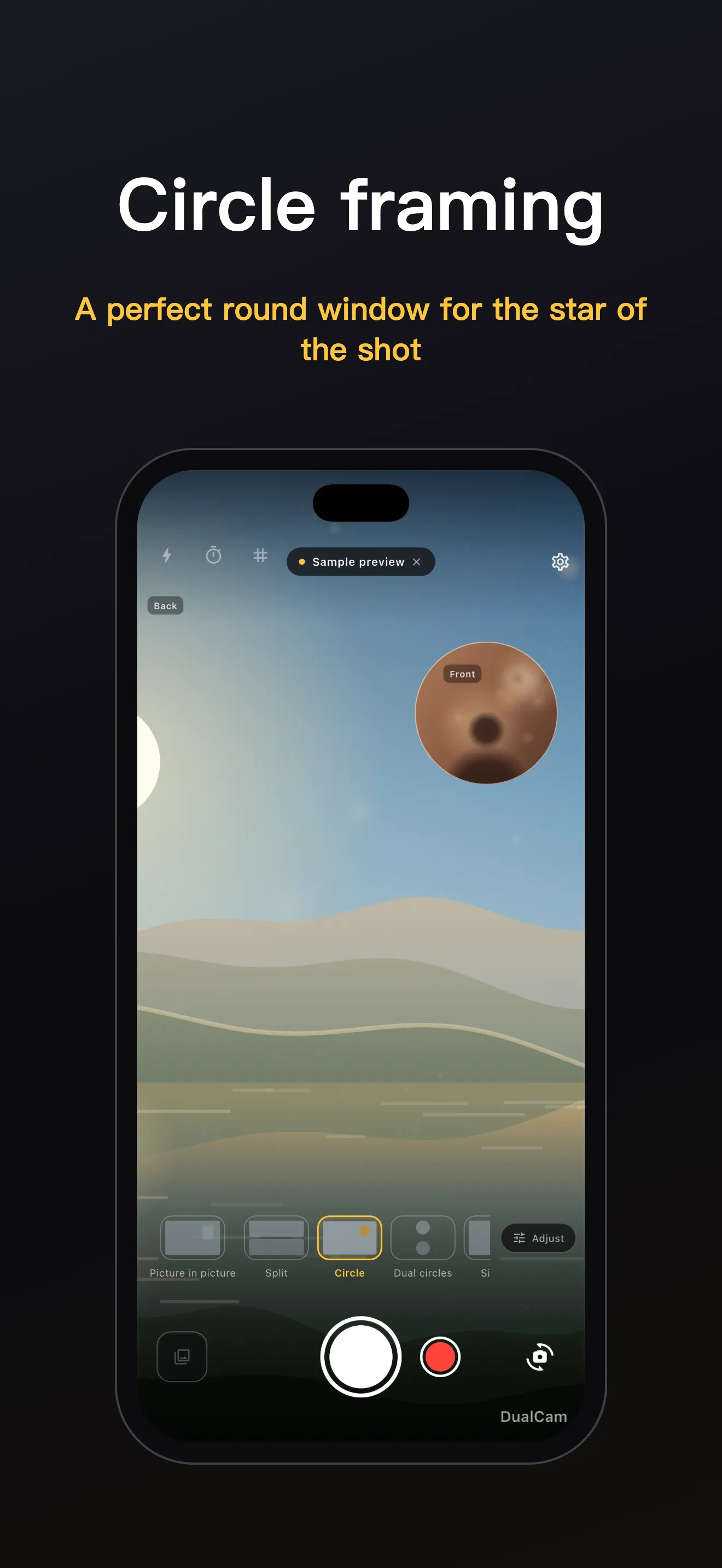
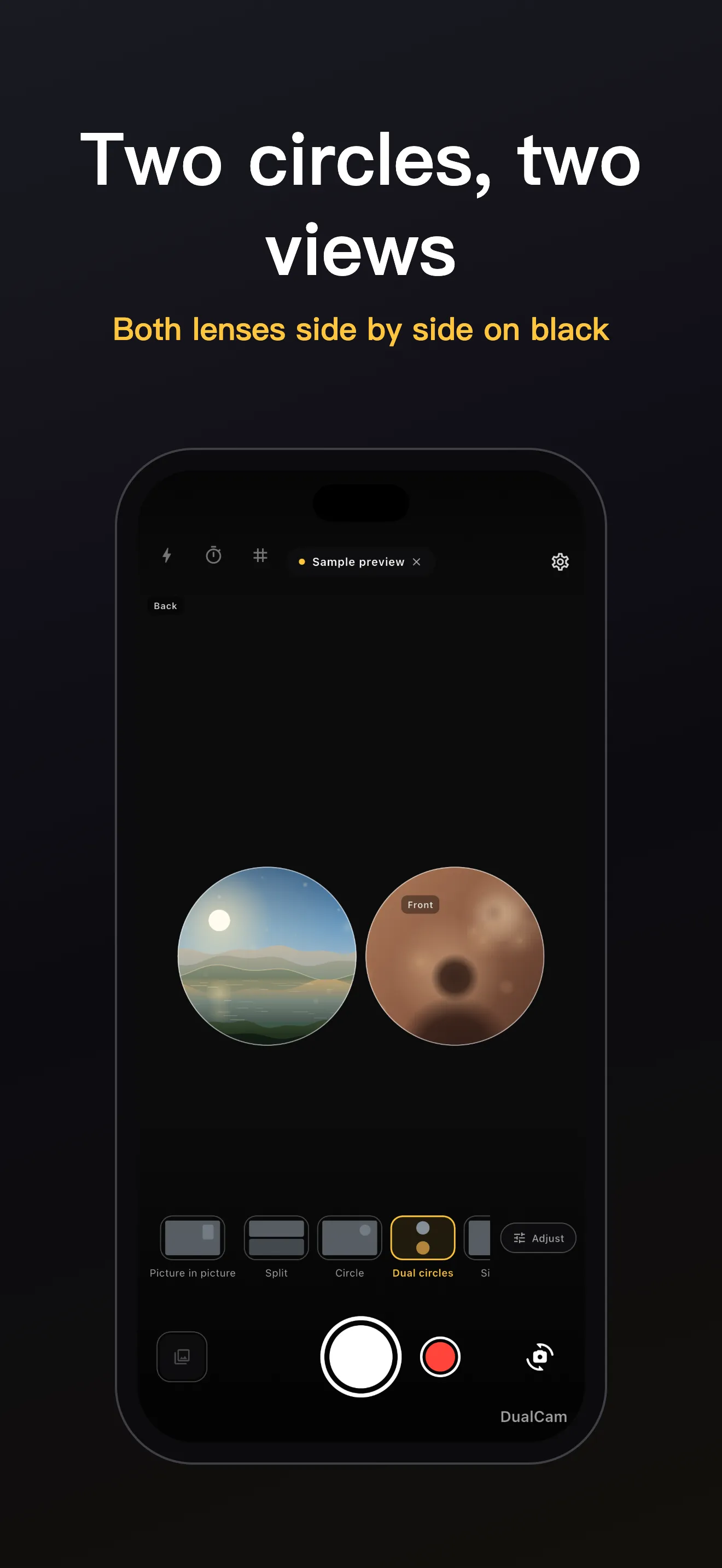
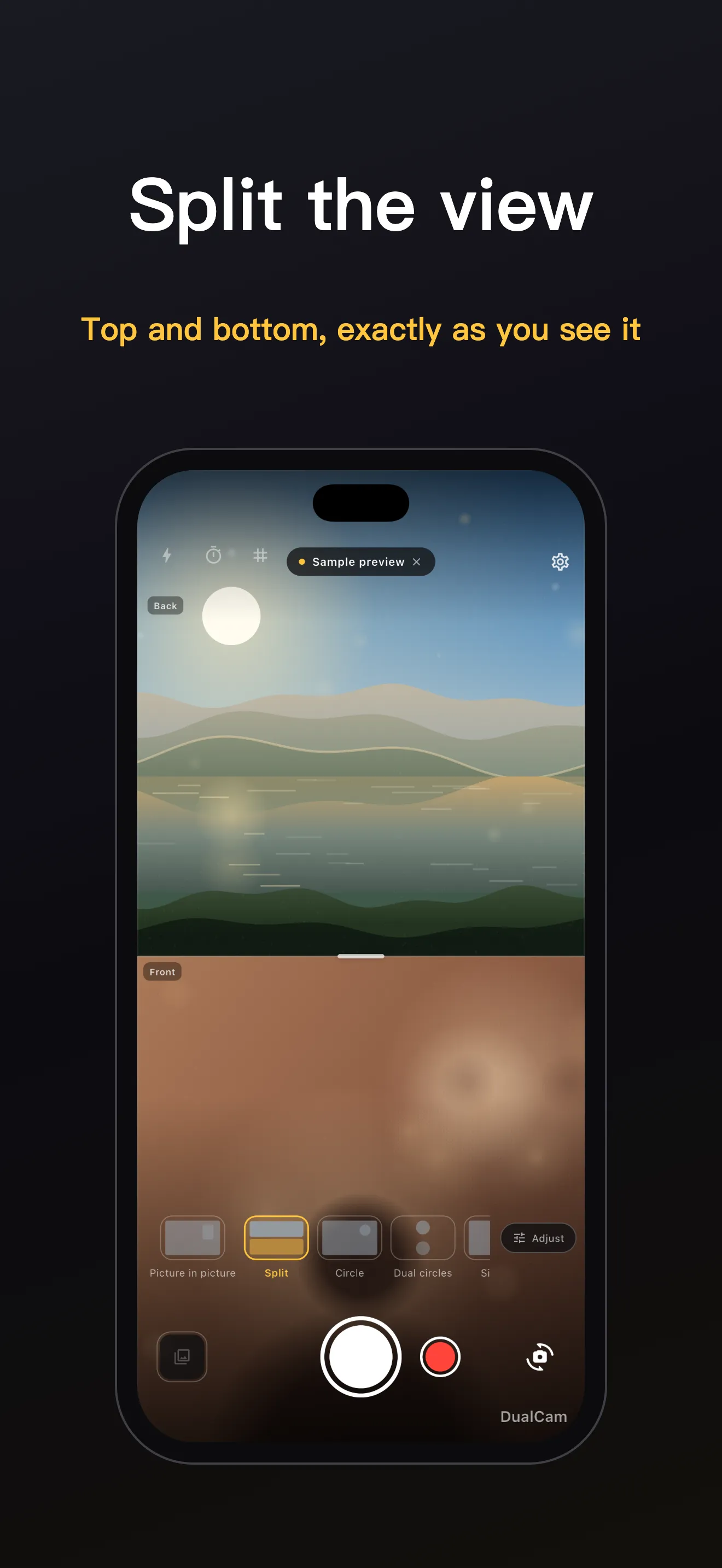
Real screens: dual lens, circle, dual circles and split framing — every shot composited in camera
One shutter, both lenses
What DualCam does that pasting two photos together afterwards never will
Two lenses, one viewfinder
Front and rear cameras run side by side in real time, each labeled so you always know which is which. Swap main and sub lenses with one tap.
Five framings
Single, split (the axis follows how you hold your phone), picture-in-picture, round window, and dual circles. Drag to reposition, pinch to resize, tap to swap — and fine-tune ratio, size, and position.
What you see is what you save
Preview, photo, and video go through the same compositing pipeline, so the saved file matches the viewfinder exactly — pixel for pixel.
Composited video, one file
Recording produces a single video with both lenses and sound — not two clips to stitch. You can even switch the layout while recording.
Your shots stay yours
Photos and videos are written straight to your system gallery — no account, no upload, no in-app library. Only anonymous usage statistics are collected; your media never leaves the device.
Speaks 70 languages
The interface ships in 70 languages, including right-to-left scripts, and follows your system language. Photos land in a gallery album named in your language.
Your camera never uploads a thing
Every frame is composited on your device, and finished photos and videos are saved straight to your system gallery. DualCam has no server that could receive your media, no account, and no ads.
To make the app better, DualCam collects anonymous usage statistics through Firebase Analytics — for example, that a purchase flow was opened. Never the content of your photos, and never tied to your identity. The privacy policy explains this in plain language.
On-device compositing
Both lenses are fused into one frame locally, in real time.
Straight to your gallery
Finished files go to a system-gallery album named in your language. Nothing is kept inside the app.
You decide
Grant only the camera and you can still shoot. Add the microphone only if you want sound in videos.
Before you install
The things people check before installing a camera app
What is DualCam?
A camera app that runs the front and rear lenses in one live viewfinder and composites both into a single photo or video — five framings, saved straight to your system gallery.
Does my phone support it?
Dual framing needs hardware that can run both cameras at once — iPhone XS or newer, or an Android phone whose camera stack supports concurrent combinations. If yours can't, the app tells you honestly and still lets you explore with sample previews.
Where do my photos and videos go?
Straight to your system gallery, into an album named after the app in your language. DualCam keeps no library of its own and never uploads your media.
What data do you collect?
Anonymous usage statistics only — for example, that the premium page was opened — collected through Firebase Analytics. Never your photos or videos, and never tied to your identity. The privacy policy has the details.
How does video work?
Recording writes a single video file containing both lenses with sound. You can switch layouts even while recording.
How much does it cost?
Free to download and free to shoot — no ads, no account. An optional one-time purchase, DualCam Pro, removes the watermark from your photos. It is not a subscription.
Questions about DualCam?
Tell us what you'd like to frame — we read every message.
tzhh0617@gmail.comWe typically reply within 1–3 business days.