

ScanPod
Every document, in your pocket
Scan, recognize text and convert to PDF, Word & Excel — fully offline. No account, no tracking, no ads.
Scan, recognize text and convert to PDF, Word & Excel — fully offline. No account, no tracking, no ads.
Read the privacy policy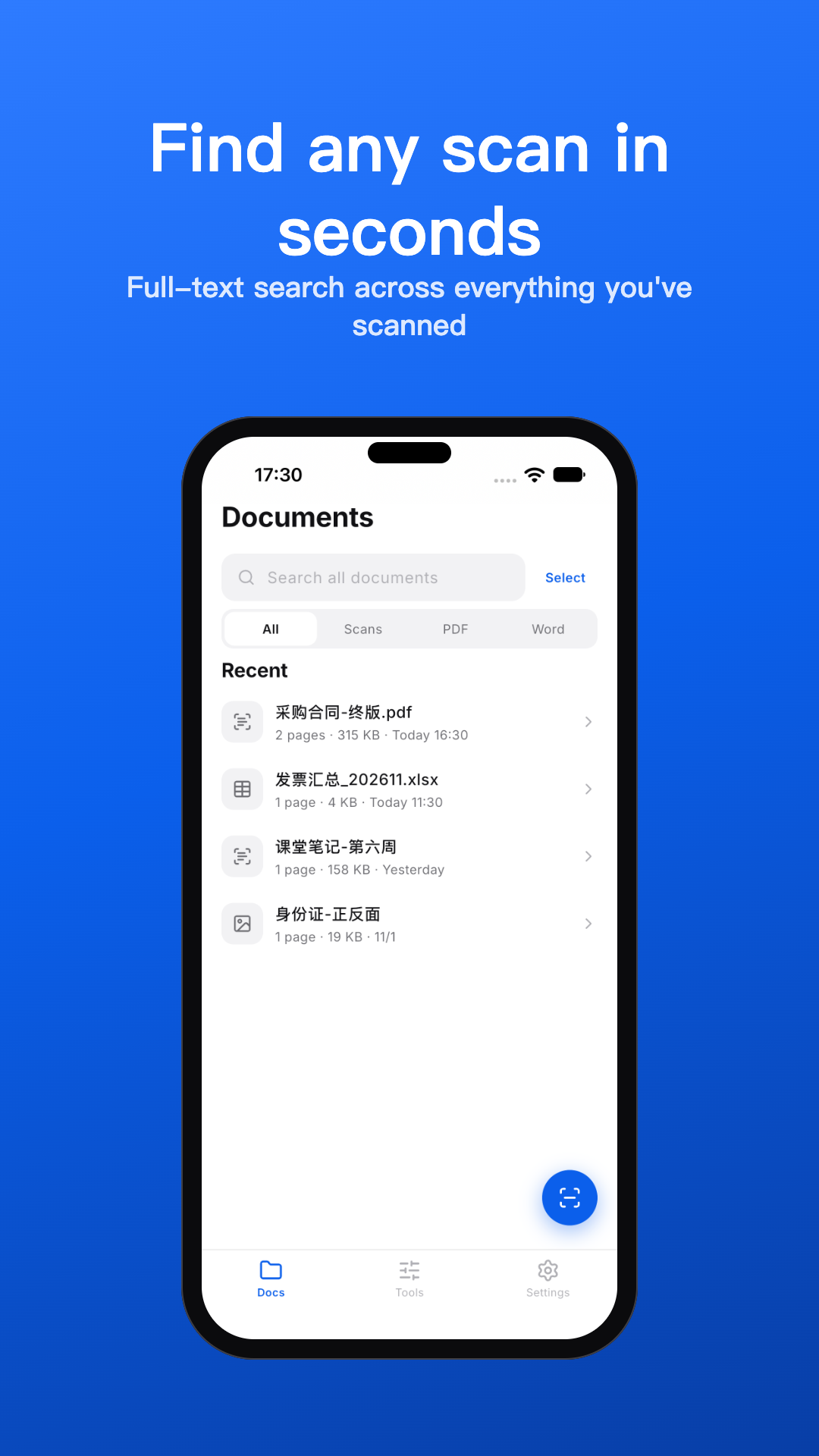
01
One flow, paper to pocket
Auto edge-detect and enhancement turn piles of paper into clean, searchable PDFs.
02
Built for real paper
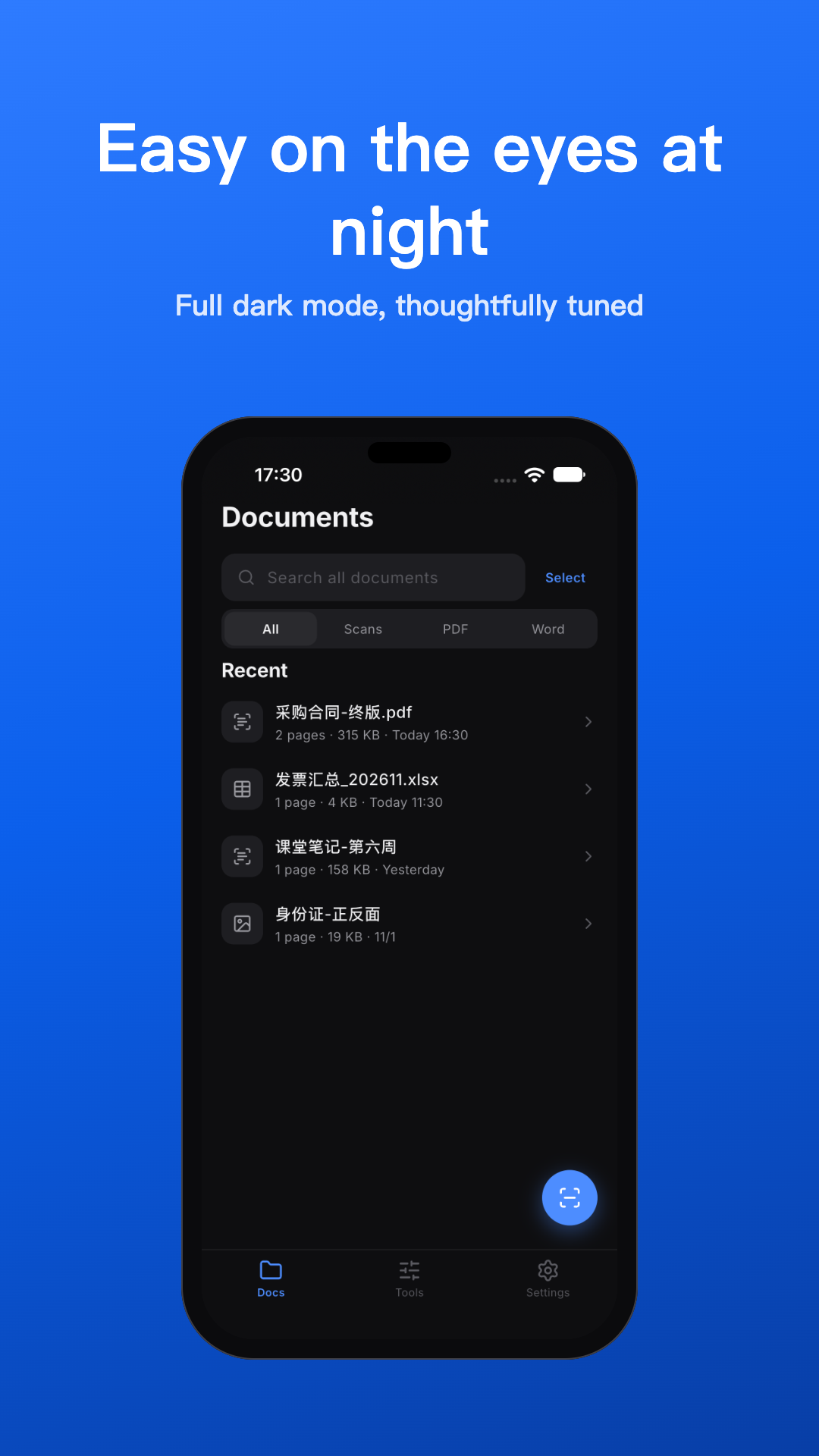
Scan · OCR · convert · organize — everything on your device, in English and Chinese.
Scanner that just works
Automatic edge detection, enhancement and multi-page capture — clean PDFs from any pile of paper.
On-device OCR
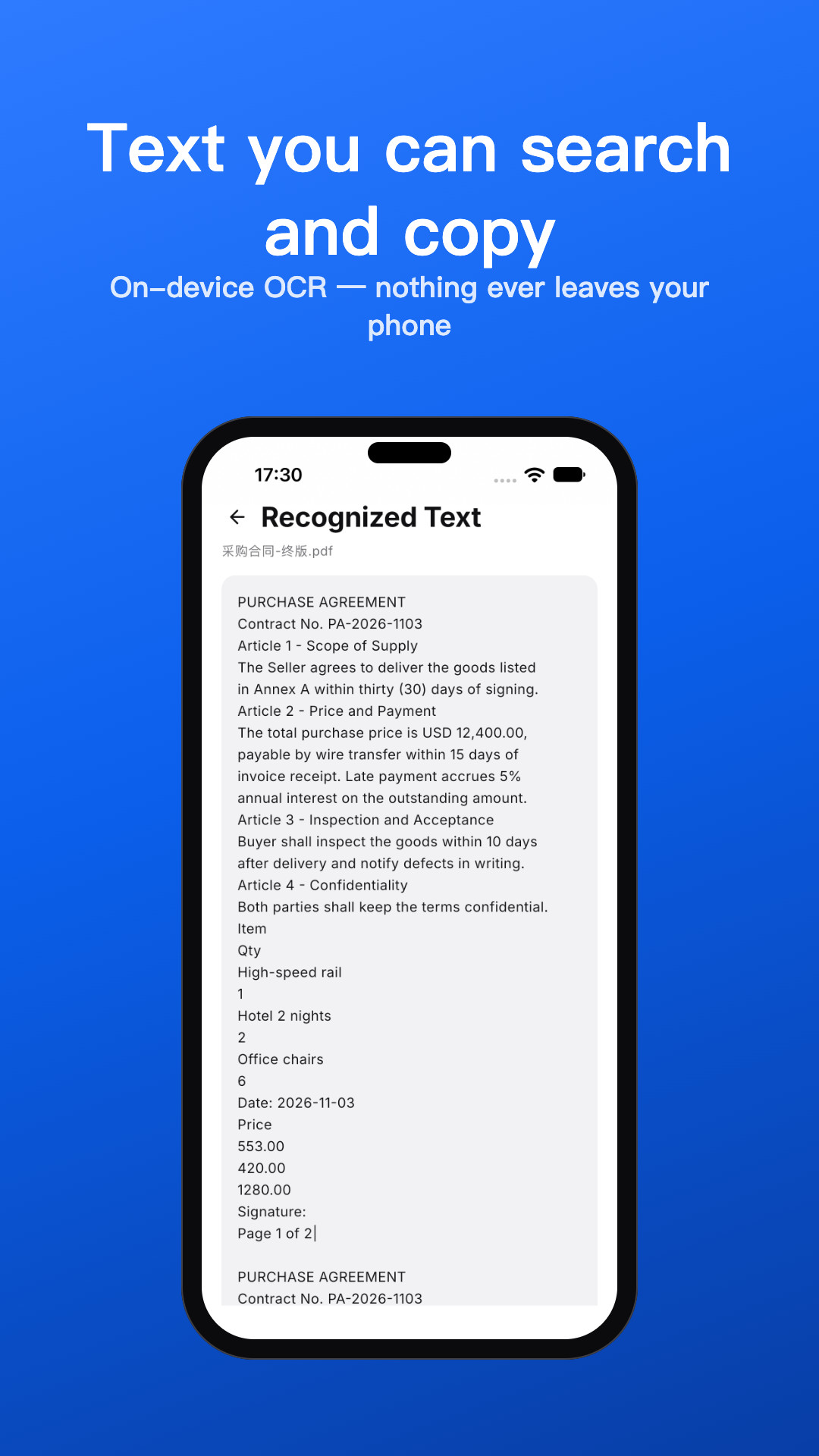
Recognize English and Chinese text on every page. Search your whole library by content and copy any passage.
To Word, Excel, PDF
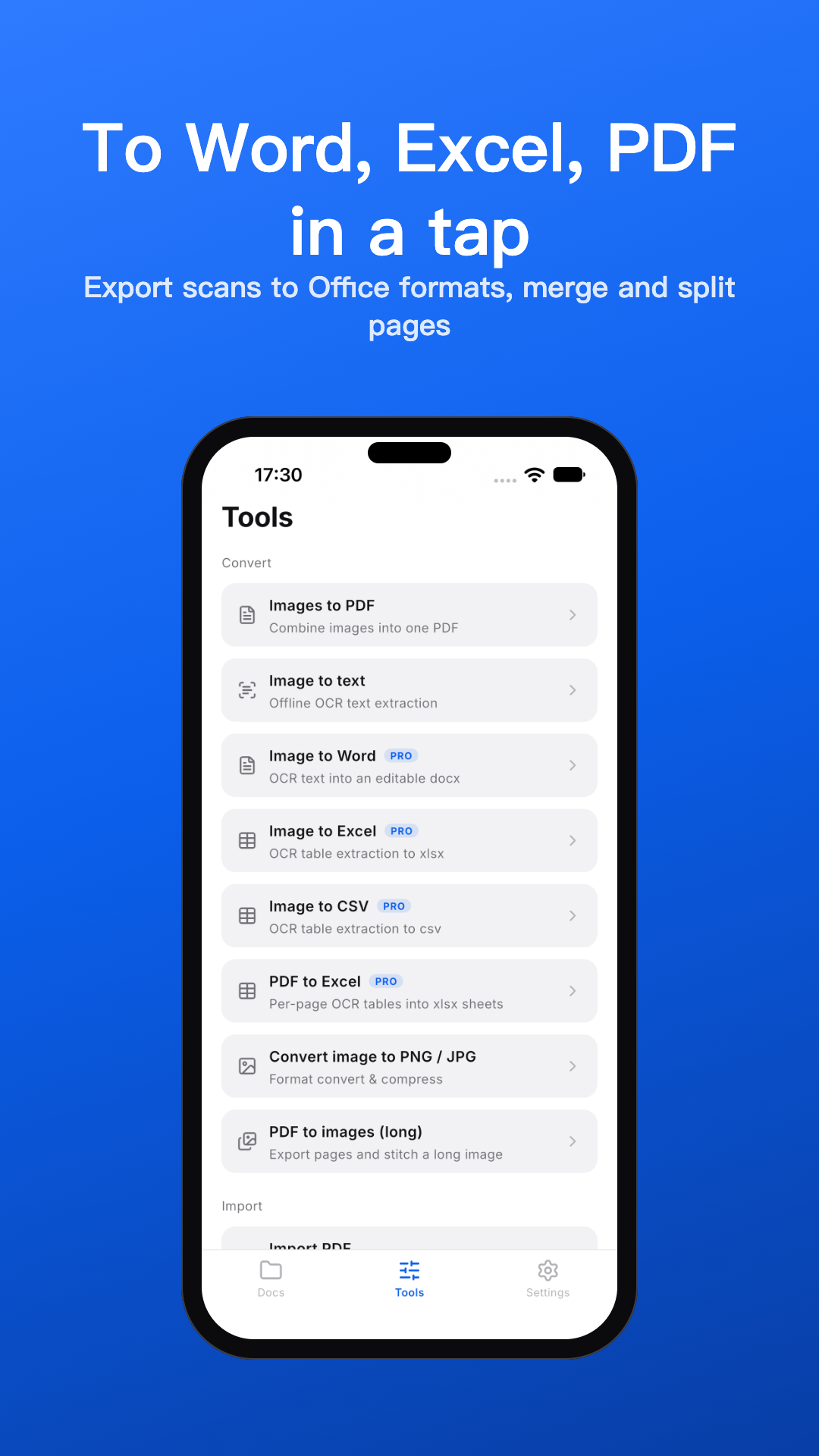
One tap turns a scan into an editable document, a spreadsheet or a searchable PDF with a real text layer.
Organize everything
Split and merge, annotate, compress, watermark, bulk-rename, lock documents behind a passcode.
Wi-Fi transfer
Download your documents from any browser on the same network — no cables, no cloud.
Private by design
Everything runs offline. Your documents never leave your device. No servers, no tracking.
03
Private by design
Scanning, OCR and conversion run entirely on your device. Your documents are stored in the App's private storage — there is no server that could receive them.
The only data that ever leaves your device is an anonymous crash report when something breaks — no document content, no identity attached.
On-device OCR
Text recognition runs locally — pages are never uploaded for recognition.
You start the transfer
Wi-Fi transfer only runs while its screen stays open, and only serves files you chose to share.
No account, ever
No sign-up, no profile, no tracking. Uninstalling removes everything, instantly.
04
Questions, answered
The short version — the full story is in the app.
Is ScanPod really offline?
Yes. Scanning, OCR, conversion, search and library management all run on your device. Network is used only for anonymous crash reports and to load this page.
Which languages does OCR support?
English and Chinese today, recognized entirely on-device — accuracy does not depend on a network connection.
What does Pro add?
Office export (Word, Excel, CSV), page split, batch export and Wi-Fi transfer. Free covers scanning, OCR, searchable PDFs and full library management. Pro comes with a 7-day free trial, monthly/yearly subscriptions, or a one-time lifetime purchase.
How do I get files onto my computer?
Share them anywhere with the system share sheet, or open the Wi-Fi transfer and download from any browser on the same network.
Can I lock sensitive documents?
Yes — set a passcode and lock any document. Batch operations skip locked documents, and the passcode is stored only as a digest on your device.
Contact
Questions, feedback or data-deletion requests — one email away.
tzhh0617@gmail.comWe usually reply within a couple of days.